
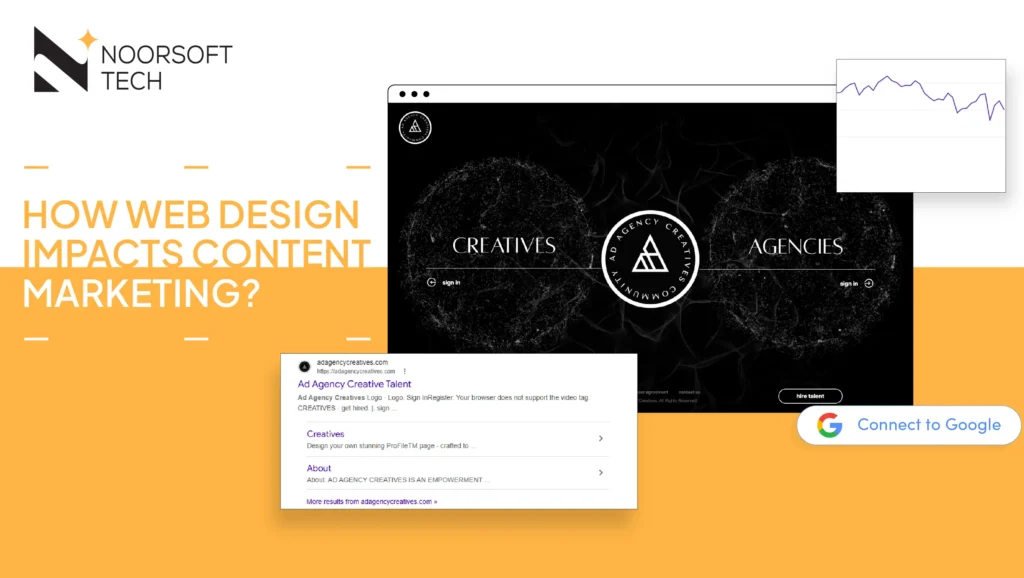
In the digital world, you don’t have minutes or even seconds to win over a visitor. You actually have about 50 milliseconds.
Think about that for a moment. Before a reader even processes the first word of your headline, their brain has already made a “snap judgment” about whether they trust you. It’s an instinctive reaction based entirely on how your website looks.
When a design feels cluttered, out-of-date, or confusing, it creates immediate friction. It sends a message: “If this website is a mess, the business probably is, too.” Most people won’t stick around to see if your content is actually good; they’ll simply close the tab and head to a competitor who looks like they have their act together. In this space, your design isn’t just “decor” it’s the first and most important handshake you have with a potential customer.
A slow or messy layout acts like a “No Entry” sign. If a visitor has to fight through confusing menus or wait for a page to load, they subconsciously assume your service will be just as difficult. In their mind, a seamless website equals a seamless service.
The Invisible Bridge
Think of your web design as the invisible bridge between your marketing message and your customer taking action. While your content (like blogs or guides) does the work of educating people, your design ensures that the message actually gets through.
If the design is broken, your marketing strategy is like a high-performance engine trapped inside a rusted, broken car frame. To win at SEO (search engine rankings) and get more leads, your site has to do more than just look pretty it has to perform.
Why This Connection Is the Key to Your Growth
To truly grow your business online, you have to look past the basic advice. Many experts say “design matters,” but they rarely explain how it turns a casual browser into a paying buyer.
Understanding these four pillars will give you a major edge over your competition:
- The 50-Millisecond Science: Understanding that a user’s brain decides to trust or leave your brand in the blink of an eye.
- Closing the “Trust Gap”: Learning why users equate a messy website with a messy business operation.
- The Engine vs. Chassis Rule: Seeing how your content (the engine) is either powered up or held back by your website’s structure (the chassis).
- Breaking the Revenue Barrier: Treating poor design as a physical wall that stops your profit, and finding exactly where you might be losing money every day.
What Is Content Marketing?
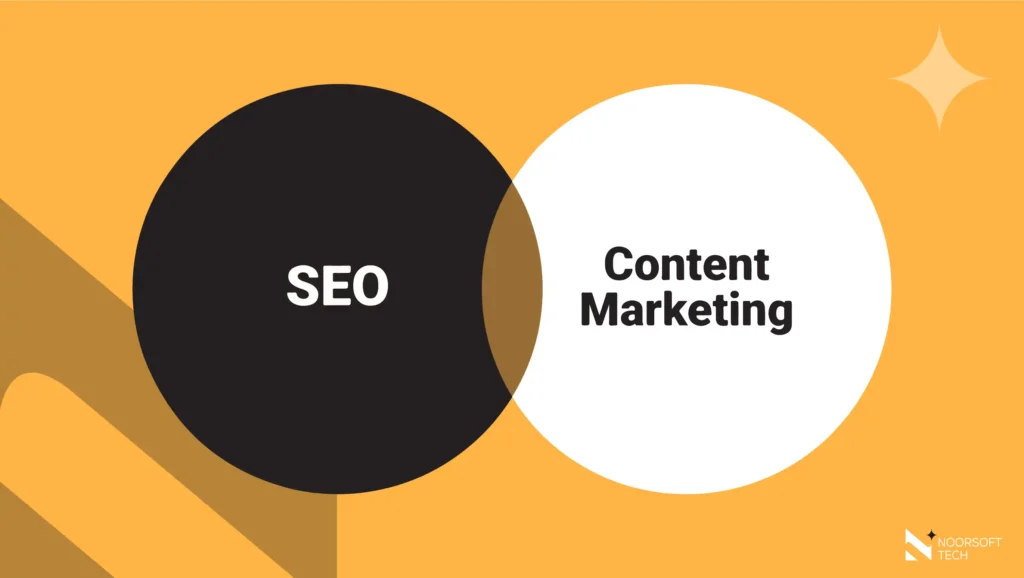
Content marketing is the practice of sharing helpful information that doesn’t feel like a pushy sales pitch. Instead, it builds interest by providing value like educational tips or “how-to” guides. It’s about building a relationship before you ever ask for a sale.
It’s also a huge part of SEO (Search Engine Optimization). By answering the specific questions your audience is asking, you show up higher in Google searches.
The Home Depot Example: Home Depot offers thousands of free DIY tutorials. These guides don’t just sell hammers; they teach you how to fix a leaky faucet. By helping for free, they become the “expert” in your mind. When you finally need to buy supplies, you’re much more likely to go to the source that helped you solve the problem.
Why Web Design Is Critical to Content Marketing Success
Design and content go hand-in-hand. Content brings people to the party, but design decides if they enjoy the experience. Your layout is the “home” where your content lives; it shapes how people read, understand, and remember your message.
When design and content aren’t in sync, you waste your marketing budget. If someone finds your blog through Google but lands on a page with tiny text or annoying pop-ups, they will “bounce” (leave immediately) back to the search results. This tells Google your content isn’t helpful even if the writing is brilliant. Professional design ensures your message hits home and drives action.
10 Ways Your Website Design Powers Your Marketing Results
Great content attracts visitors, but great design converts them into customers. Here are ten ways your design directly helps your content perform better:
1. Building Immediate Trust
Your website’s look is a “trust test.” Within seconds, a visitor decides if you’re a pro or an amateur.
- Why it matters: If your site looks old, people won’t trust your advice. A clean, modern look acts like a “seal of approval.”
- The Result: A bank with a sleek, high-end design makes you feel your money is safe. A broken layout makes you close the tab before reading a single word.
2. Making Content Easy to Read
Readability is about more than just your choice of words. It’s about the fonts and spacing you use.
- Why it matters: Good “typography” (the style of your text) makes reading effortless. When there is good contrast and space, the brain can focus on the message instead of straining to see the letters.
- The Result: A company using large, simple fonts and plenty of “breathing room” sees visitors finish an entire guide rather than quitting halfway through.
3. Adapting to Every Screen
Being “mobile-friendly” is a requirement, not an option.
- Why it matters: If a reader has to “pinch and zoom” on their phone to read your article, they’ll leave. A “responsive” design (one that changes size automatically) keeps them happy.
- The Result: A busy manager reading your report on their phone during a commute can easily click links and see charts without a struggle.
4. Improving Site Speed
Speed is the heartbeat of a good user experience.
- Why it matters: Slow pages kill interest. If your site takes more than a few seconds to load, Google will rank you lower, and your audience will give up.
- The Result: A shop that makes its images “smaller” (in file size) loads in under two seconds, keeping shoppers on the site.
5. Guiding the User’s Journey
Smart navigation makes it easy for a reader to find what they need next.
- Why it matters: Your design should encourage “just one more click.”
- The Result: A law firm that uses a “Recommended for You” section keeps visitors reading for ten minutes instead of two, proving they are experts.
6. Using Visual Hierarchy
You need to tell the reader what is most important by using different sizes and colors.
- Why it matters: Most people “scan” an article before they read it. Clear headings and bullet points help them find answers quickly.
- The Result: A health blog using bold headings to answer common questions helps patients find what they need in seconds.
7. Placing Buttons Strategically
Design turns readers into “leads” (potential customers).
- Why it matters: Without clear “Call to Action” (CTA) buttons like “Sign Up” or “Get a Quote” your content is a dead end.
- The Result: A tech company uses a “Get a Free Demo” button that stays visible as you scroll, making it easy to click the moment you’re ready.
8. Designing for Search Engines
Google’s “bots” see your design, too.
- Why it matters: Clean code and labeled images (called “alt-text”) help search engines understand your site. If they understand it, they’ll show it to more people.
- The Result: An architect labels their photos correctly and starts ranking in Google Image searches for “modern home designs,” bringing in new visitors.
9. Using Video and Graphics
Mixing in different types of media holds attention longer.
- Why it matters: Everyone learns differently. A site that handles video and charts smoothly keeps people on the page much longer.
- The Result: A brand that adds a 30-second video summary to a long article finds that people stay on the page twice as long.
10. Creating a Smooth Experience
A “happy” website experience tells Google you are a high-quality resource.
- Why it matters: If your site is annoying (like having too many pop-ups), people leave. If it’s a joy to use, they stay. Google tracks this “dwell time” to decide your ranking.
- The Result: A blog replaces a giant pop-up with a subtle “slide-in” offer. Readers aren’t interrupted, they stay longer, and the search ranking goes up.
The Hidden Cost of Poor Web Design
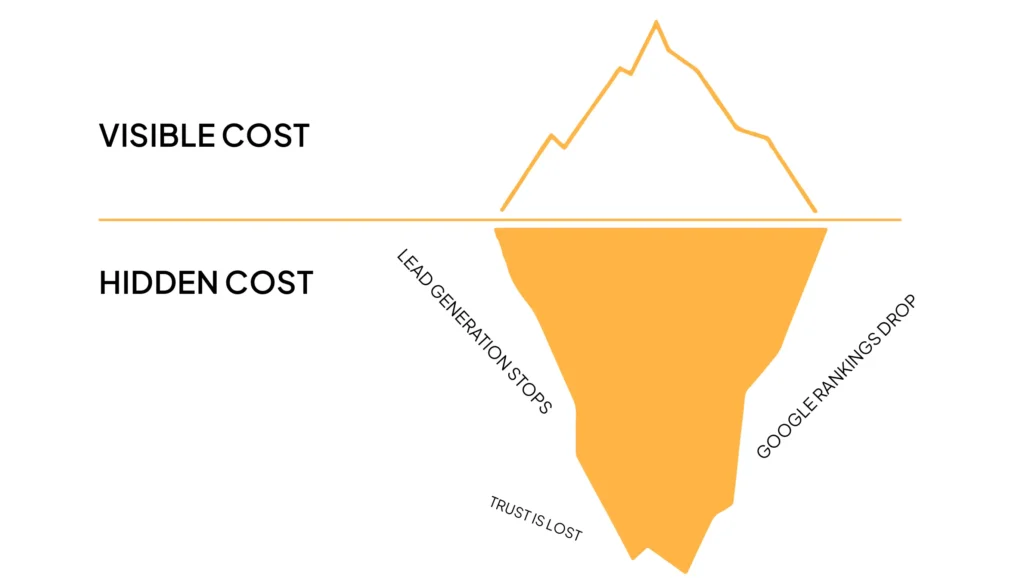
When a website looks or works poorly, it hurts your marketing in three ways:
- Lead Generation Stops: Users might love your blog but find your contact form too hard to use on a phone.
- Google Rankings Drop: If people leave your site quickly, Google thinks your site is low-value and will stop showing it in searches.
- Trust Is Lost: Professional clients expect a professional look. A “broken” website suggests you might be careless with your actual work.
Best Practices: How to Match Design with Marketing
- Focus on Accessibility: Make sure your site is easy to use for everyone, including those with disabilities (following “WCAG” standards).
- Use “White Space”: Don’t be afraid of empty space! it helps the reader focus on your text and prevents them from feeling overwhelmed.
- Keep Your Look Consistent: Your blog and your main website should use the same colors and fonts so people recognize your brand.
- Watch the Data: Use tools like Google Analytics to see where people are leaving your site, then fix those specific pages.
How to Improve Your Website (Without a Full Redesign)
Can’t afford a total overhaul? Try these quick fixes:
- Fix Your Text: Increase the size of your font and the space between lines. This is the fastest way to keep people reading longer.
- Turn on “Lazy Loading”: This makes images load only as the user scrolls down to them, which speeds up your site.
- Clean Up Your Mobile Menu: Make sure buttons are easy to tap with a thumb.
- Check Your Buttons: Ensure your “Sign Up” or “Contact” buttons stand out clearly against the background.
Conclusion
Content is the voice of your brand, but web design is the stage. If the stage is dark or hard to get to, your voice will never be heard. By making design a part of your marketing plan, you create an easy path for your customers to follow from their very first click to their final purchase.
Is your website working with your content, or against it? Check your stats today to see if a few design tweaks could help you win more leads.
Does web design affect SEO?
Yes! Google rewards sites that are fast, easy to use on mobile, and visually stable. These are called “Core Web Vitals.”
Can good design increase sales?
Absolutely. Good design removes the “friction” that stops people from buying. When the path to the “Buy” button is clear, more people will use it.
What matters more: design or content?
They are a team. Content gives people a reason to visit, but design gives them a reason to stay. Without content, you have nothing to say; without design, no one can hear you.
How does site speed impact my content?
If a page takes too long to load, users leave before they even see your content. This hurts your reputation with both readers and search engines.